
Episode 1: An Introduction to MCN
TL;DR
- MCN looks and operates like Salesforce CRM, not a traditional marketing tool, so expect a learning curve with its UI and objects logic.
- The biggest mindset shift is understanding that MCN shares a database with your CRM, which changes how familiar things like consent, forms, and even email footers work.
- The three core pillars you already know (database, automation, and content) still exist in MCN, just in different forms.
- Migrations are always messy, but especially here.
- Take your time with documentation, build a buffer into your timeline, and don’t try to do this alone!
- A quick tour of MCN’s main tabs to help you get your bearings.
Welcome to RP’s MCN Migration Guide!
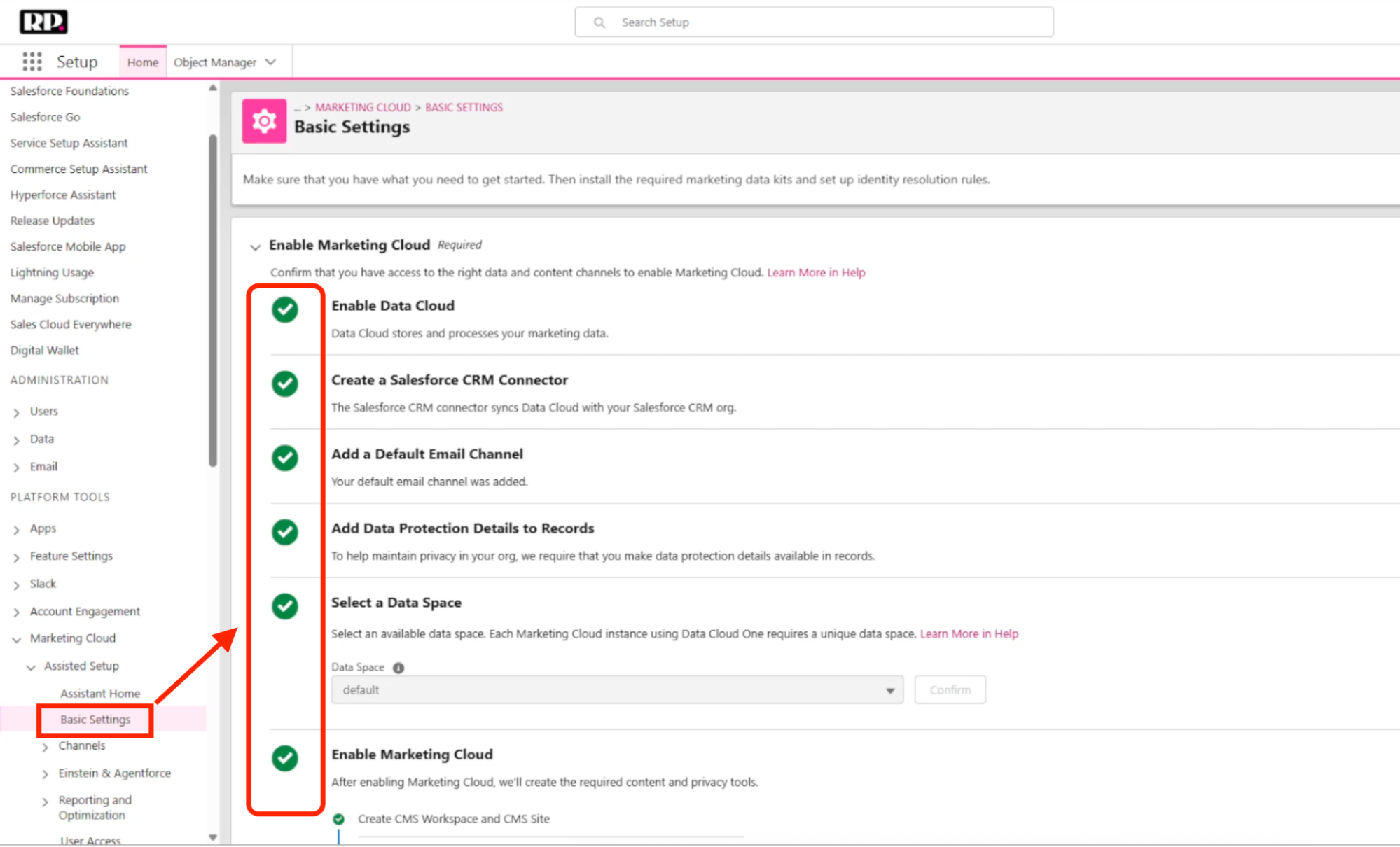
This guide is for marketing operations professionals who are migrating to MCN (or are preparing to). To master this platform, we took on the challenge of migrating our own to MCN – so this entire course is built from real migration experience.
The guide as a whole will be extensive, with multiple videos and articles to come that will dive deep into all the technical details. But for this first episode, we want to take a step back and get you acquainted with the platform at a higher level, and talk about the type of mindset to adopt going into it.
It’s important to remember that Marketing Cloud Next (MCN) is not like other marketing automation platforms (MAPs). So if you’re coming from another MAP and expecting your intuition to carry over, you’re going to have a harder time than you’d like.
Walking in with these expectations makes a big difference. MCN operates on different logic, looks different, and has a much deeper connection to Salesforce CRM than you’re probably used to. If you keep that in mind from the beginning, you’ll set yourself up for a much smoother experience!
Let’s jump right in.
Why MCN Feels Different (and the Mindset That Helps)
The first thing you’ll notice is that MCN doesn’t look like a traditional marketing tool. It looks and feels a lot more like Salesforce CRM, and that’s not a coincidence. MCN is deeply connected to the Salesforce ecosystem in a way that most MAPs aren’t. If you’re a system expert in another platform, a lot of that intuition won’t carry over here. Even basic things like knowing where to click and what to look for will take quite a while to get used to for many marketing ops folks.
Aside from UI, the deeper challenge is the object’s logic. Salesforce has operated on this logic for a long time, but when you’re used to MAPs that give you a friendlier, more marketer-native experience, suddenly having to think in terms of “objects” can feel paralyzing.
One Database, Shared with Your CRM
The biggest mindset shift is accepting that you are working with one database that is shared with your CRM, and really understanding what that means in practice.
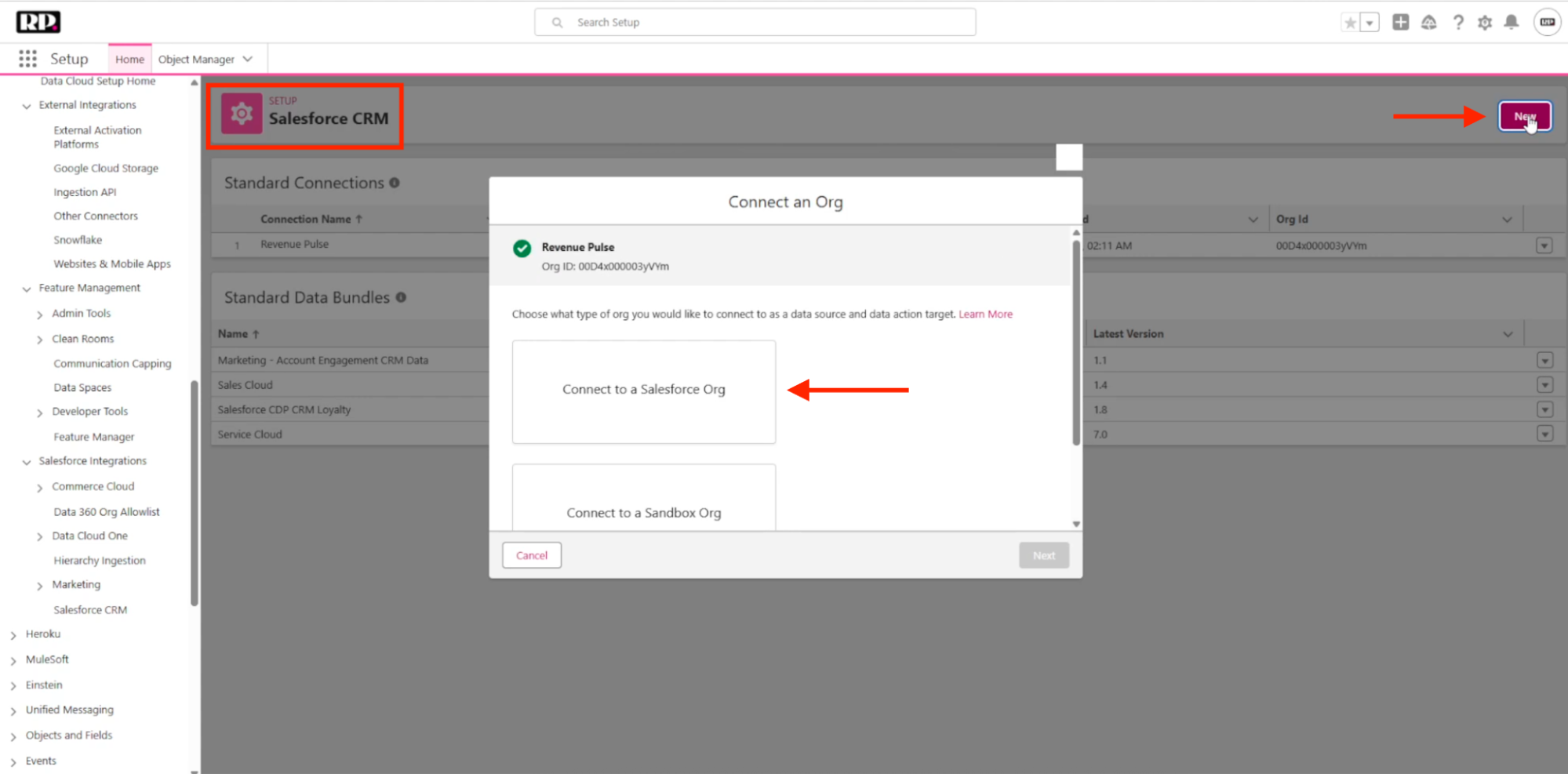
In MCN, your leads and contacts from Salesforce CRM flow into Marketing Cloud Next, where they get mapped through Data Cloud and transformed into unified individuals. You set up identity rules that match records to those unified individuals, so you’re not working with duplicates in your database. It’s a powerful setup, but it does require you to think differently about processes. Here are a few examples that highlight what we mean:
Company address. In MCN, you can’t simply add your company address to an email footer the way you would in other platforms. MCN enforces it with a specific field, and if you haven’t populated it correctly, it blocks the email automatically. Something as routine as updating a company address becomes a research exercise, because the marketing layer and the CRM layer are the same underlying system.
Consent. In most MAPs, you’d expect consent to live as a field on the contact or lead record. But in MCN, consent is a separate object that has to be populated independently, and the connection happens on the backend in a way that isn’t immediately visible. It’s disorienting when you go to build a segment of marketable contacts, and you’re looking for a consent checkbox that isn’t there.
Form submissions. When someone submits a form on your website, every instinct built from working with other platforms tells you that person should appear in your database as a lead or contact. In MCN, that’s not what happens. A form submission creates a form submission object. You then have to translate that into a lead and a contact yourself. It sounds like extra work, and at first it feels like it. But once you understand the underlying logic, you get used to it.
The Fundamentals Are Still Here
For all that is different, the fundamental structure of what a MAP does hasn’t changed. MCN still has the three core areas you already know:
Database:
Your unified individuals, sourced and deduplicated through Data Cloud.
Automation:
Salesforce Flows – drag-and-drop journeys that have existed in the Salesforce ecosystem for a long time.
Content:
Your content management system, where you build whatever you need.
These are your anchors. If you’re starting to get frustrated and confused, come back to them.
Migration Tips
Take Your Time with Documentation
Documentation is the part of the process where it’s really important not to rush. Even if you’re under a tight deadline, resist the urge to skip steps. When planning, give yourself more time than you think you’ll need. It will come in handy down the road.
And good documentation isn’t just an inventory. It’s the foundation for a lot of important decisions. It’ll help you answer questions like: What do you want to keep? What do you want to leave behind? And what do you want to change? Here’s what that process typically involves:
- Conversations with your internal marketing team. This will take time, but it’s absolutely crucial that everyone is on the same page from the beginning. Clear, open communication from everyone involved will prevent confusion and speed up adoption.
- A genuine cleanup pass. Migrations are one of the rare moments where you have a real reason to reorganize and cut the dead weight. If there’s something you’ve been putting off, now is the time!
- Double-check. When a stakeholder says, “We can let this go,” come back to it a couple of weeks later. Sometimes, something that seemed disposable turns out to be worth keeping. But there’s a balance here too. We often get attached to certain ways of doing things because they’re familiar, so make sure to look at processes with a critical eye.
Whatever format works for you is fine. Whether that’s an Excel sheet or a Google Doc with bullet points, just make sure it’s thorough.
Be Realistic About Your Timeline
MCN’s learning curve will slow you down in ways you won’t see coming. Build in a two or three-week buffer at a minimum. And if you need support from Salesforce at any point (and it’s pretty common that you will), that alone can take a week or more to resolve, longer if public holidays are in the mix. On the upside, because you’re staying within the Salesforce ecosystem, database migration tends to be quicker than moving to an entirely new platform. But don’t let speed in one area lull you into underestimating the overall effort.
This is also not a one-person project, even for smaller companies. If someone on your internal team can be pulled in, do it! If there isn’t anyone technical enough internally, think seriously about bringing in external help.
Platform Orientation
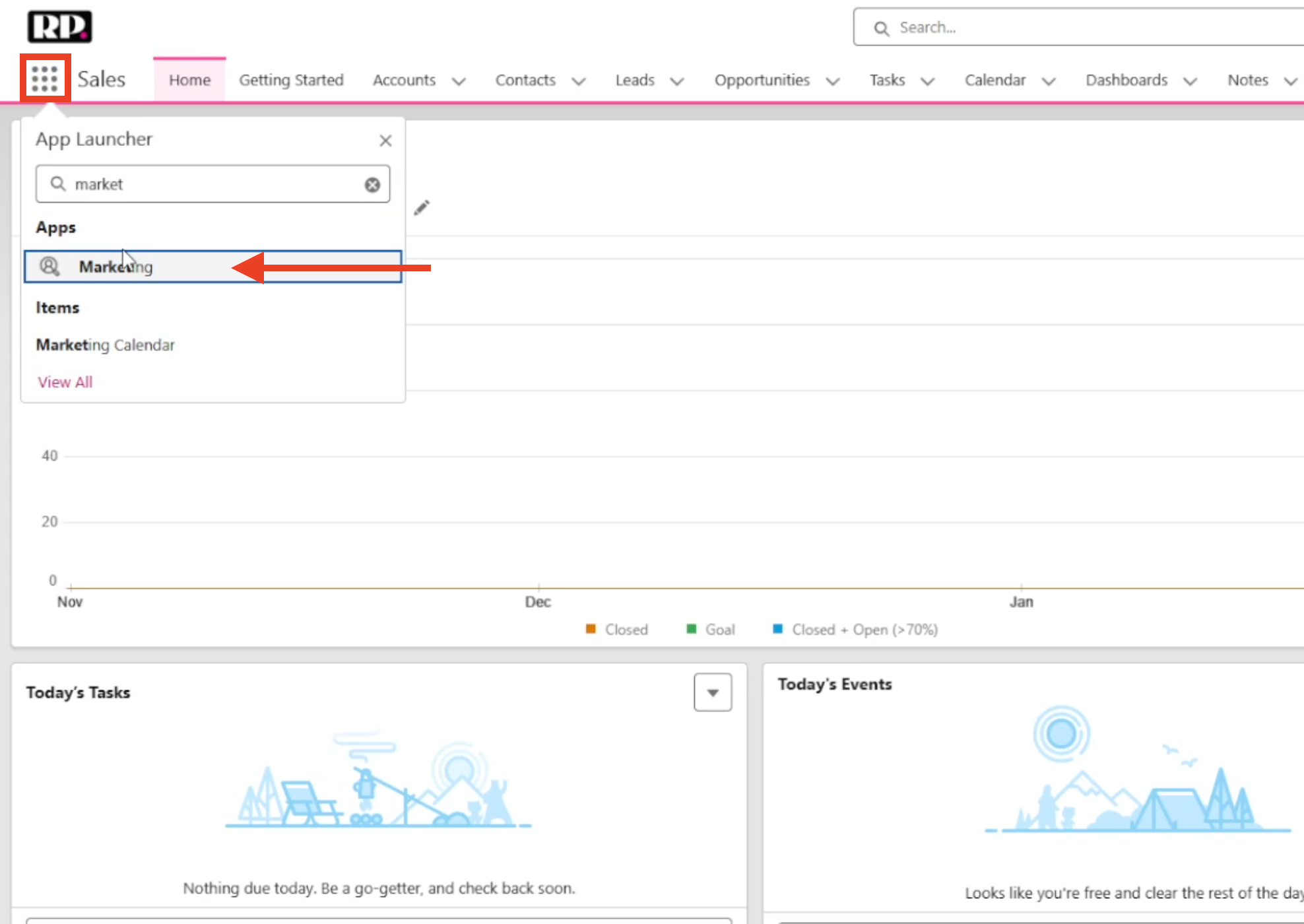
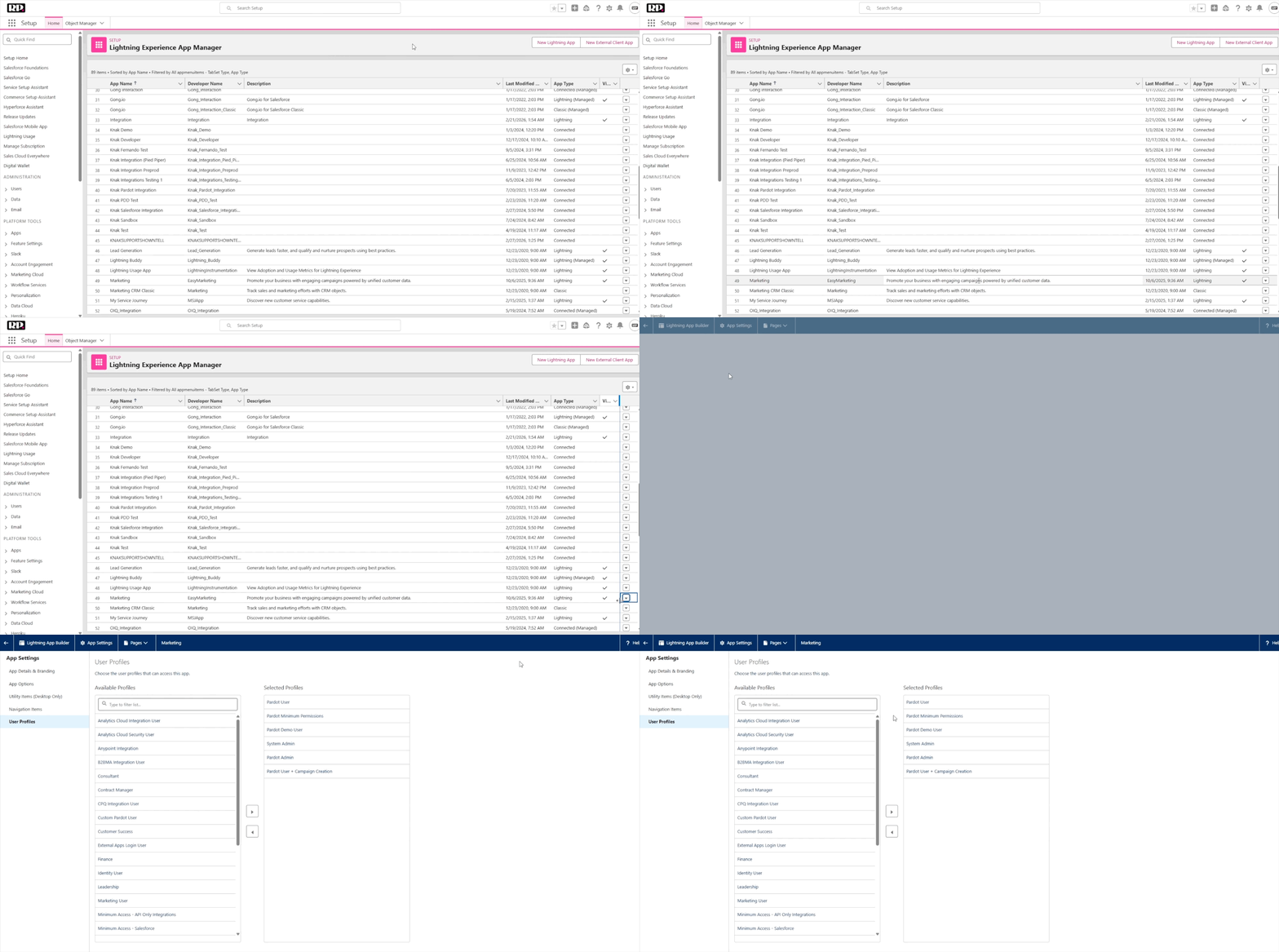
Before we move on to the next Episode, here’s a quick look at how MCN is organized and where things live. This is a very high-level look at things, just to help you get your feet wet.
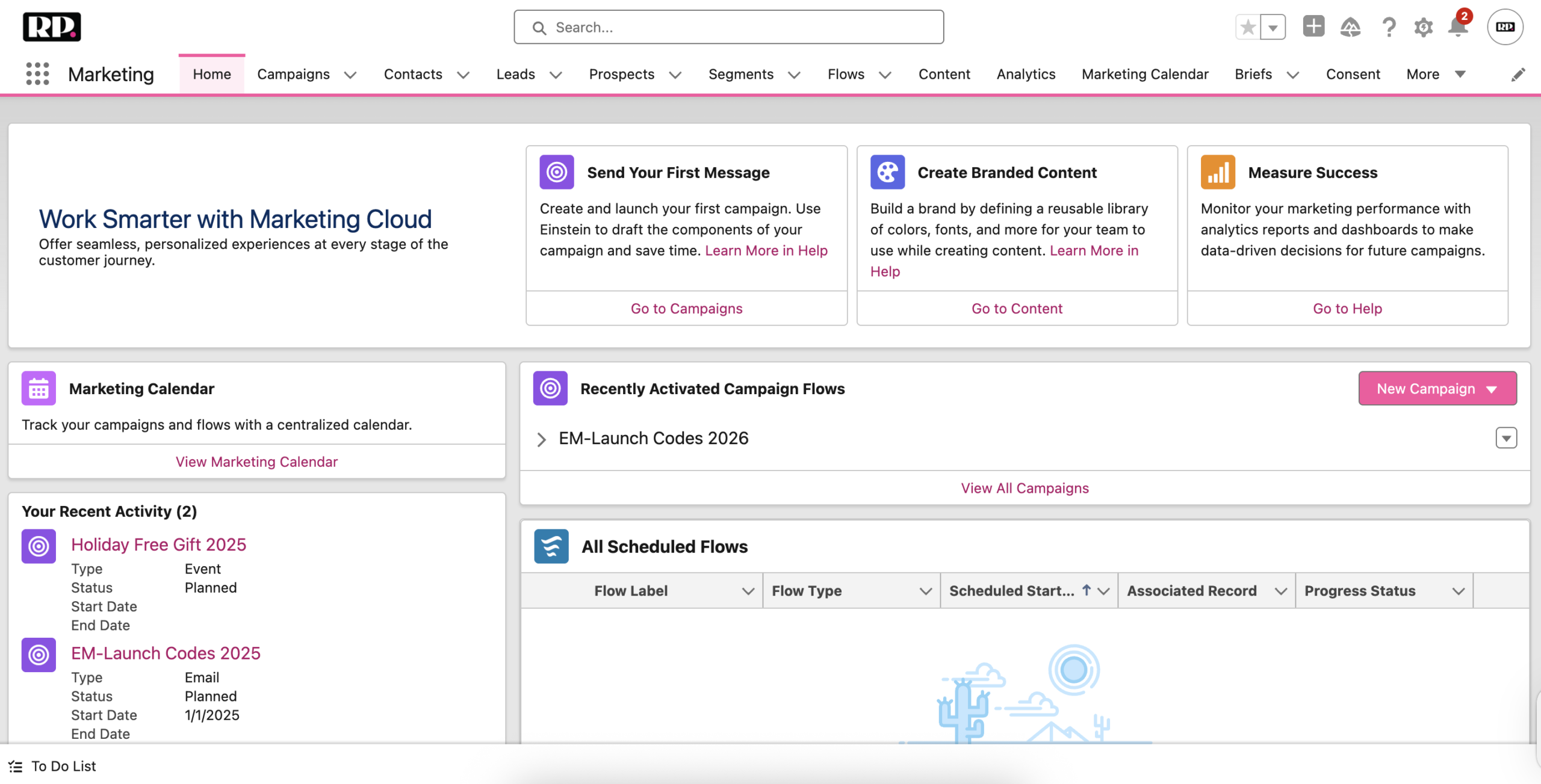
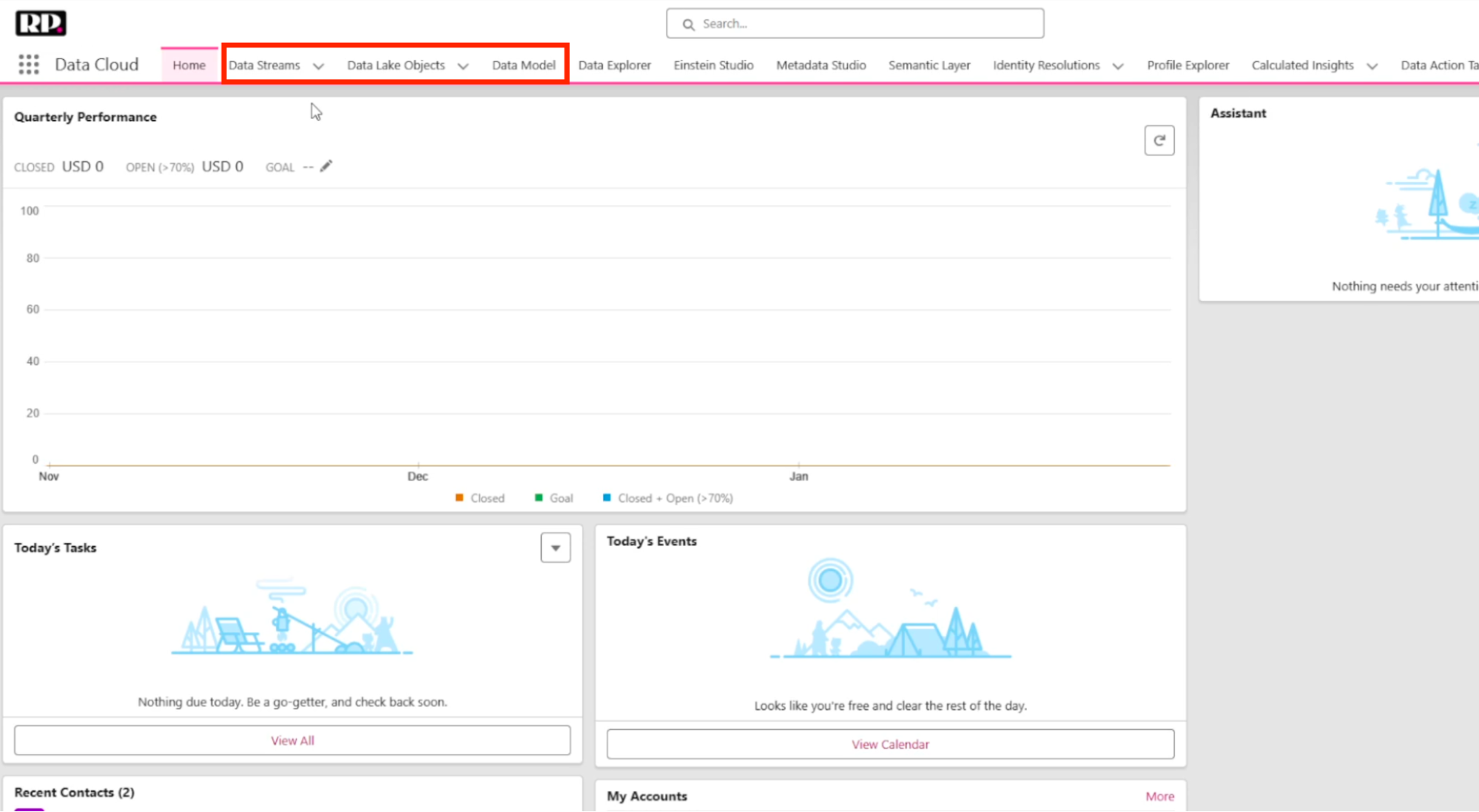
(MCN Home Screen)
Campaigns is where you do most of your work. You can select from quick-start flows or create new ones from scratch, with multiple flows within a single campaign. This is where your content connects with your individuals.
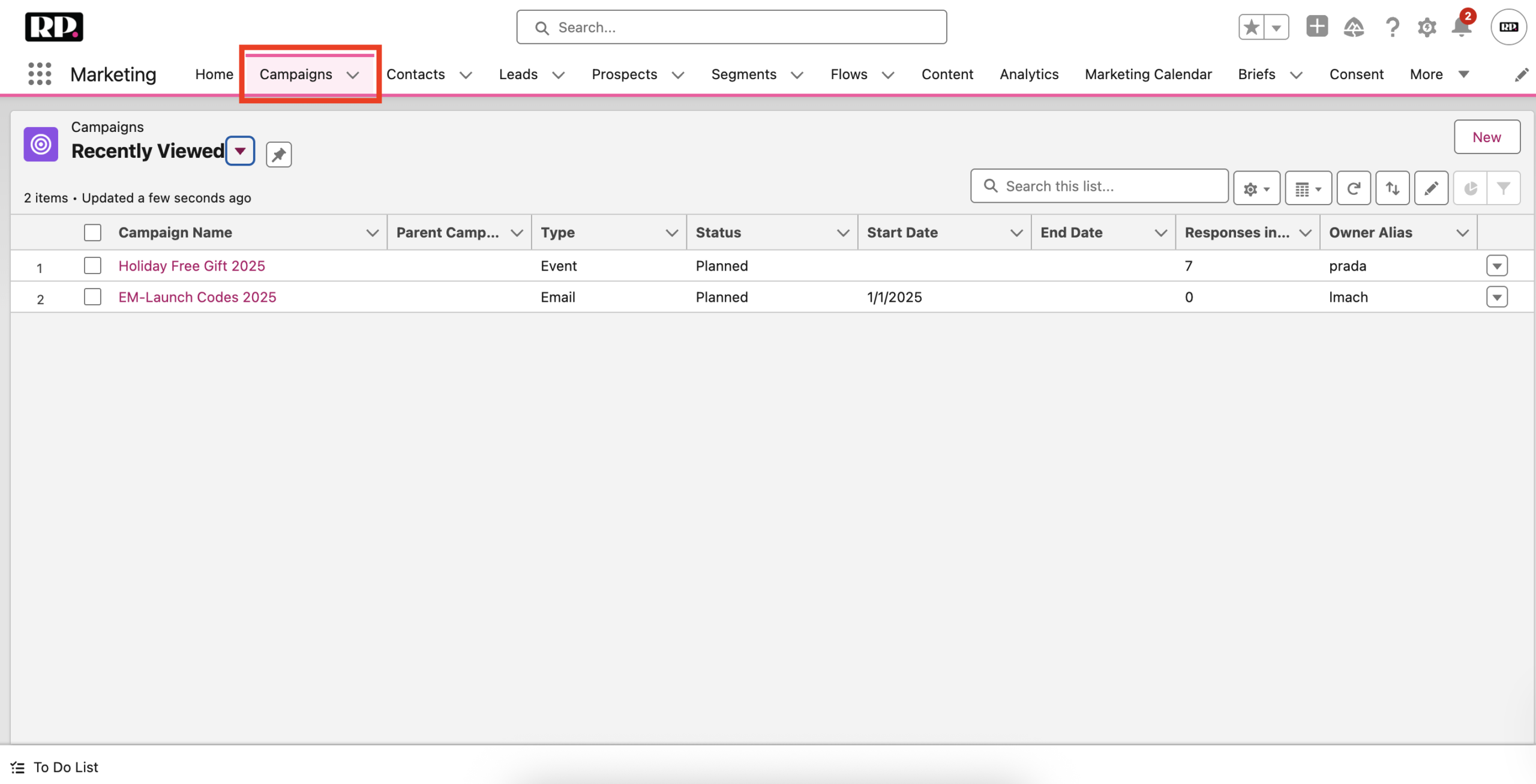
(The Campaigns tab in MCN)
Then you have your Contacts, Leads, and Prospects tabs, which are pretty self-explanatory, so we’ll gloss over them for now.
Next is the Segments tab is where your audiences live.
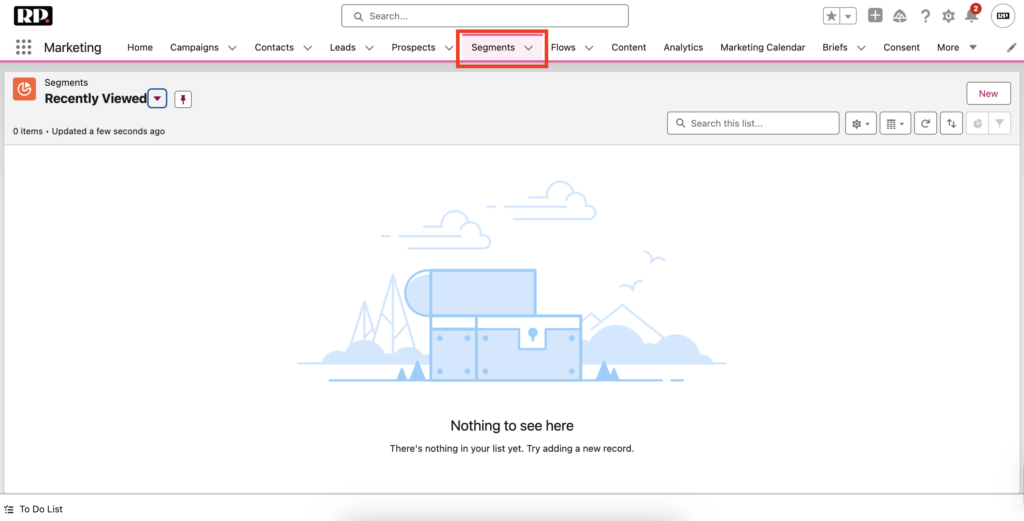
(The Segments tab in MCN)
Flows show all your active automations that connect content to individuals.
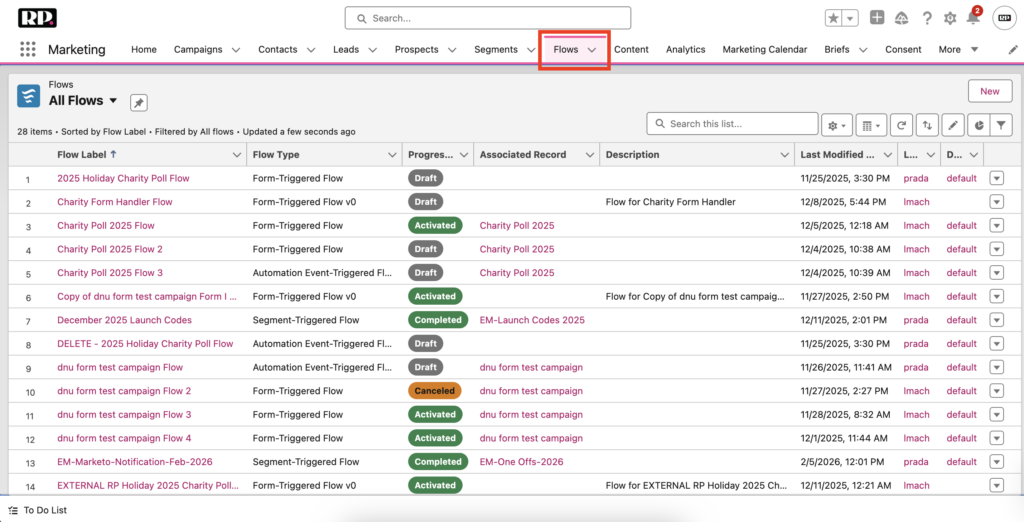
(The Flows tab in MCN)
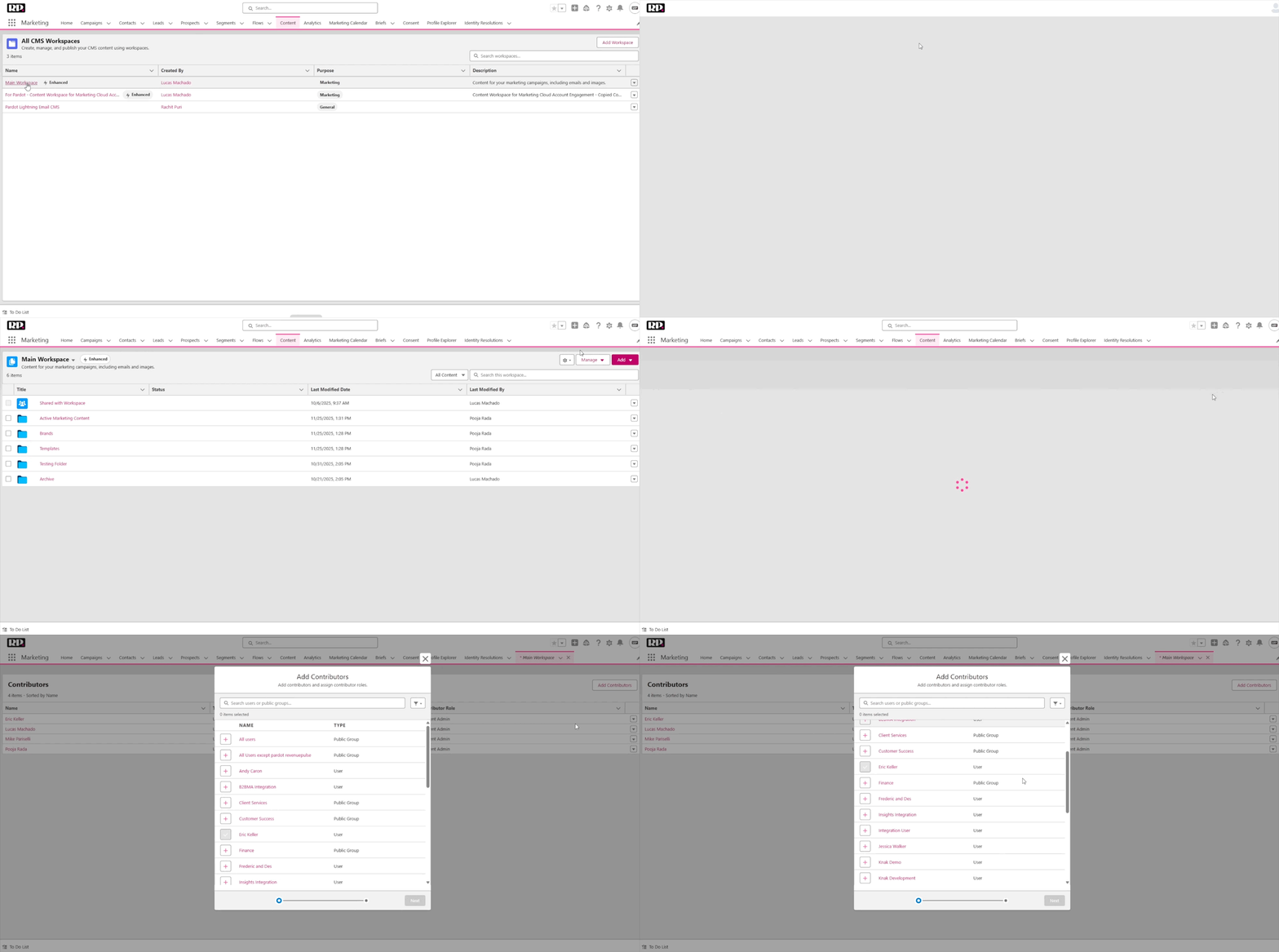
Content is where your content management system lives. Here, you will have access to your CMS Workspaces, which are organized into folders. You can create new brand styles, content blocks, email templates, and other assets.

(The Content tab showing the Main Workspace)
Analytics is your reporting hub. If you’re familiar with Salesforce reporting, this will feel comfortable.
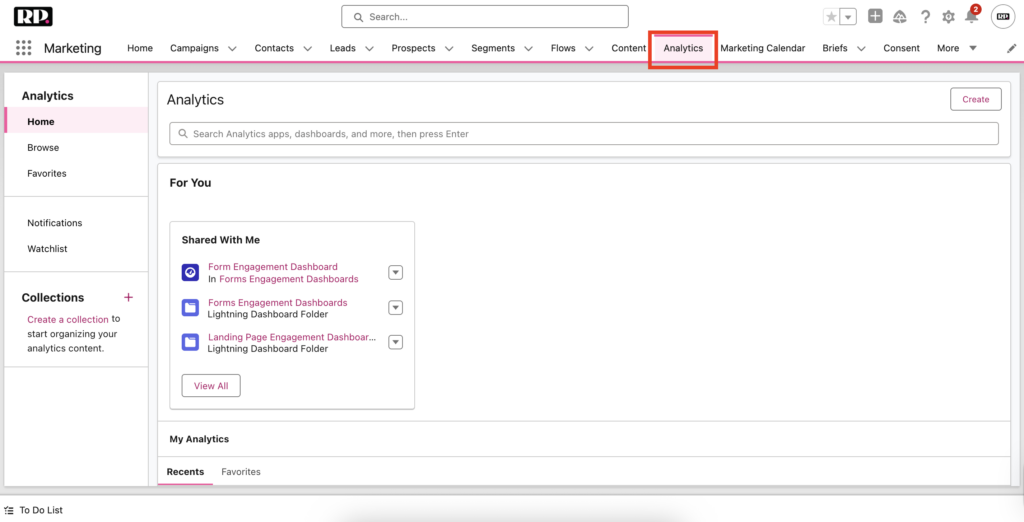
(The Analytics Tab in MCN)
Profile Explorer lets you look up any individual and see all of their activity, field mappings, and connections to other Salesforce objects in one place.
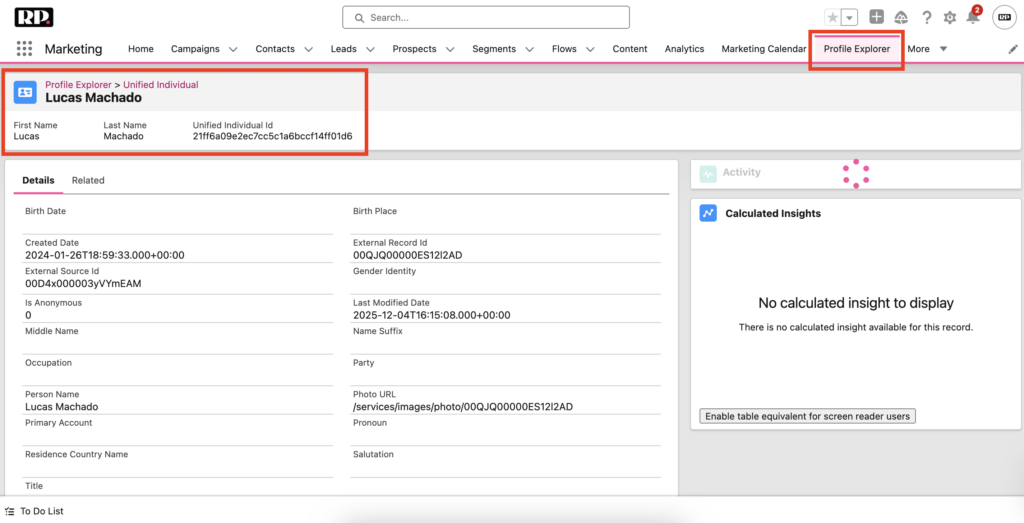
(The Profile Explorer Tab, after searching for “[email protected]”)
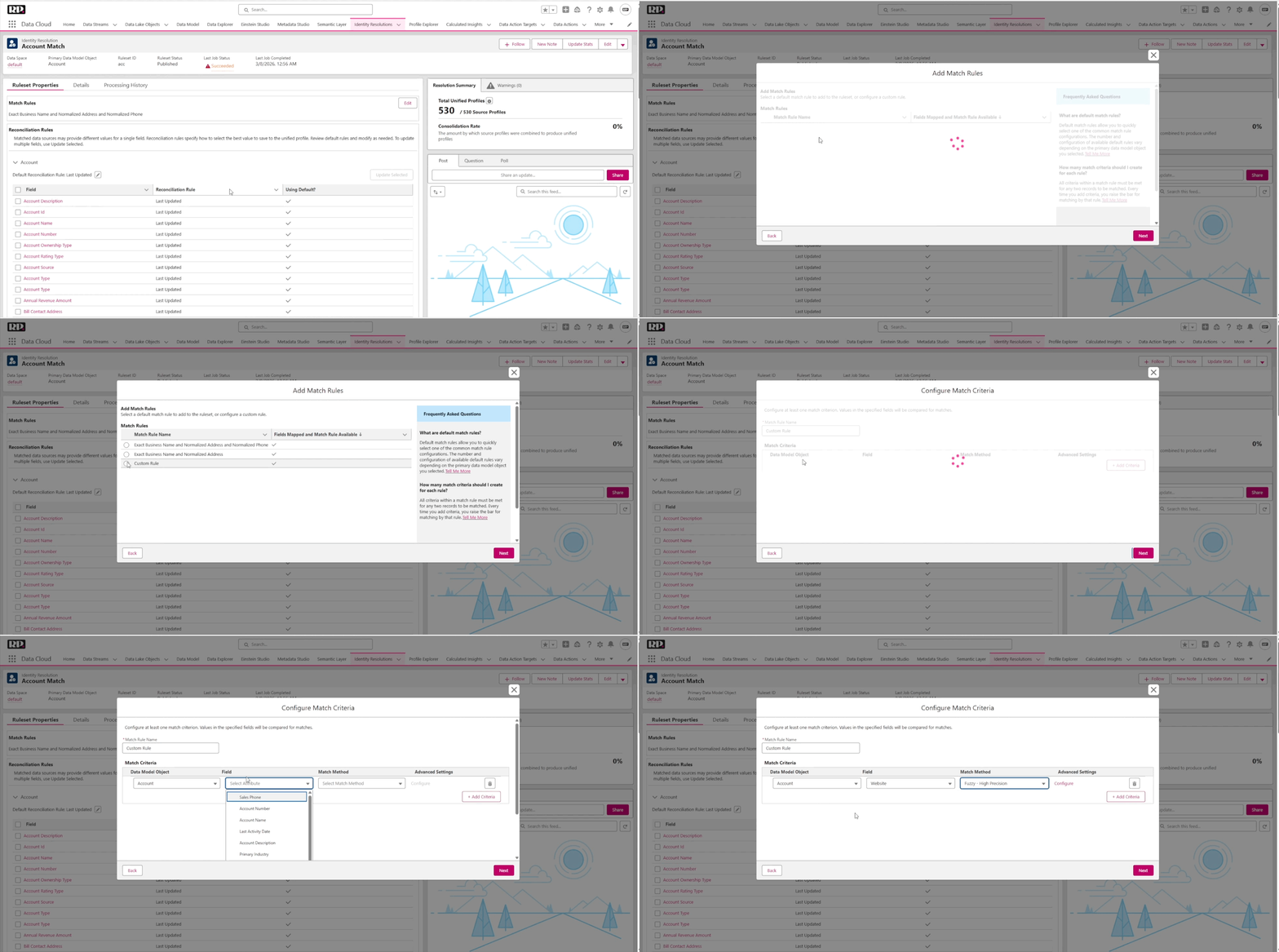
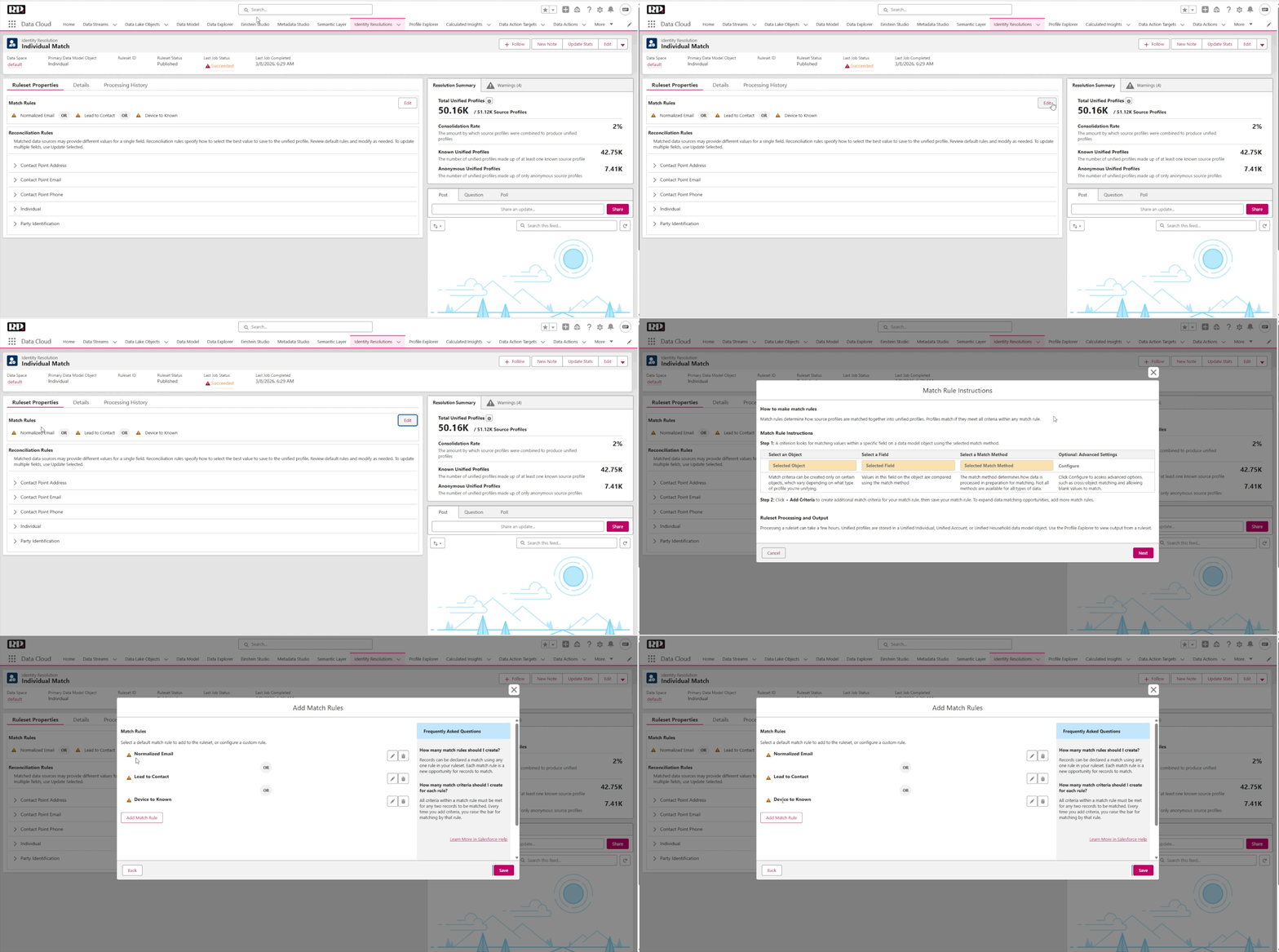
Identity Resolution is where you configure deduplication rules, match records to unified individuals and accounts, and set field-level priorities.

(The Identity Resolution Tab in MCN)
And if you’re confused about how to navigate through these tabs right now, don’t worry! We’ll be diving deeper into all of them (even the ones we skipped over here) in future episodes of the guide. This was meant to help you get acquainted with the look and feel of MCN at the most basic level.
What’s Coming Next
Across the rest of this guide, we’ll go deeper into implementation, Data Cloud setup, user roles and their caveats, and channel setup. We’ll also cover campaign ops in full, including campaigns, emails, landing pages, forms, flows, and everything in between.
Hang tight and enjoy the journey! See you in Episode 2.
P.S. If you are feeling confused or overwhelmed when navigating through any of the steps in this article, feel free to reference the video above for an in-depth walkthrough.
Or if you’d rather get some help from one of our MCN experts, reach out here!